📺 Installation Guide
How to Setup Airtek TV on LG Smart TV
Compatible with LG Smart TVs running webOS (2018 and newer models).
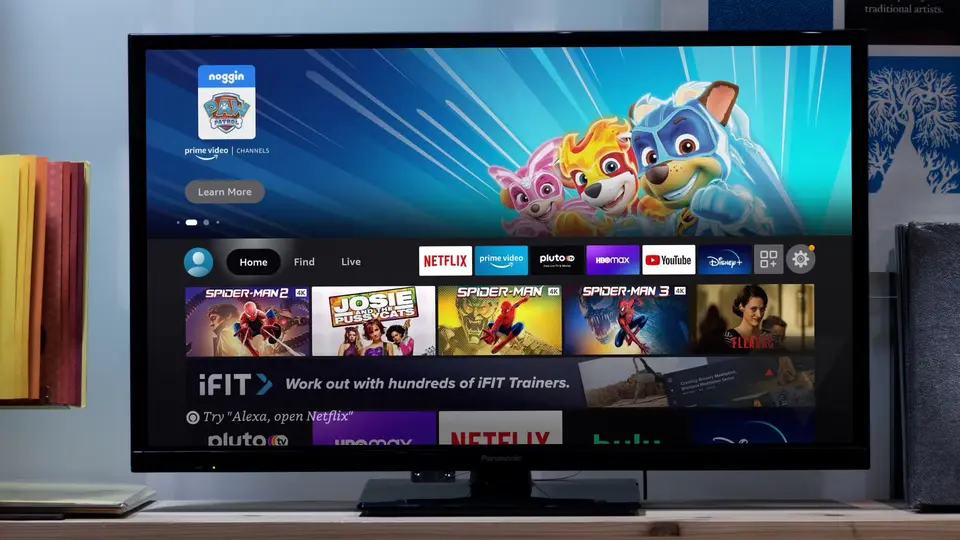
Supported Devices
LG OLED (2018+)LG NanoCell (2018+)LG UHD (2018+)LG Smart TV with webOS
Recommended Apps
IBO Player
Popular choice for LG TVs
NetIPTV
Simple setup, good performance
SS IPTV
Lightweight, easy to use
Setup Steps
1
Open LG Content Store
Open the LG Content Store on your webOS TV.
2
Search for IPTV App
Search for IBO Player, NetIPTV, or SS IPTV.
3
Install the App
Download the app of your choice.
4
Get MAC Address
Launch the app to find your MAC Address and Device Key (if applicable). Write them down.
5
Configure on Web Portal
Go to the app's official web portal on your smartphone or PC.
6
Link Your Subscription
Link your MAC Address to your Airtek TV M3U Link.
7
Load Channels
Refresh the app on your LG TV to load the playlist and start watching.
Important Notes
- ⚠️ MAC Address is unique to your TV - keep it handy
- ⚠️ Some apps may require one-time purchase
- ⚠️ Restart the app after configuration to load channels
Ready to Watch?
Get your Airtek TV subscription and enjoy 24K+ channels on your LG TV!